🔗 See more details here.
Operating instructions
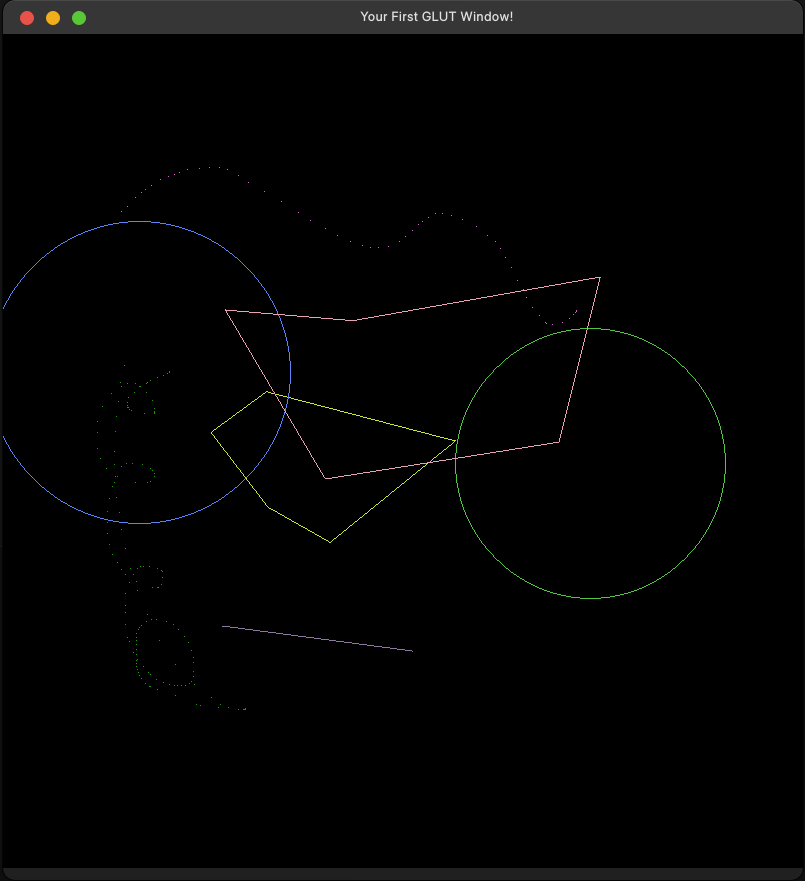
Use the keyboard to switch between various modes and the mouse to interact with the canvas. Each shape will automatically be assigned a random color.
-
✏️ Draw Points (d):
Start drawing graphic when you press the left mouse button.
Stop drawing graphic when you release the left mouse button. -
📏 Draw Lines (l):
First click to assign the starting point.
Second click to assign the ending point. -
⚪ Draw Circles (o):
First click to assign the center of circle.
Second click to assign the radius of circle. -
🔷 Draw Polygons (p):
Left click to assign the coordinates of polygon.
Right click to close the polygon. -
🧹 Clear (c):
Press keyboard button c to clean the screen. -
↩️ Undo (r):
Press keyboard button r to undo the clean action.
This feature only works after cleaning the screen. -
❌ Quit (q):
Press keyboard button q to quit the window.
Result