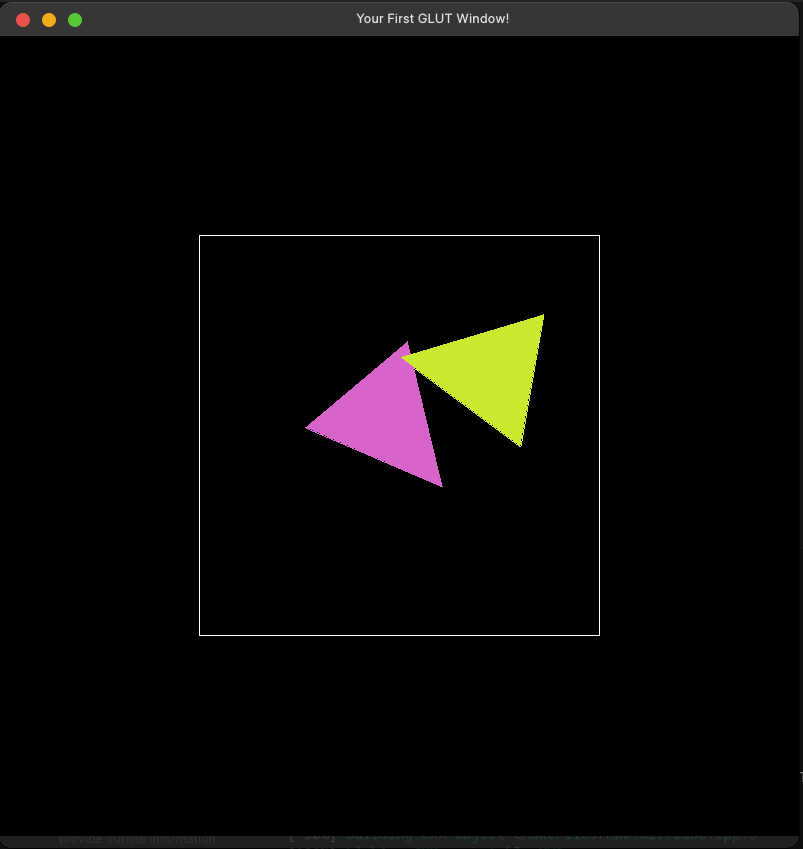
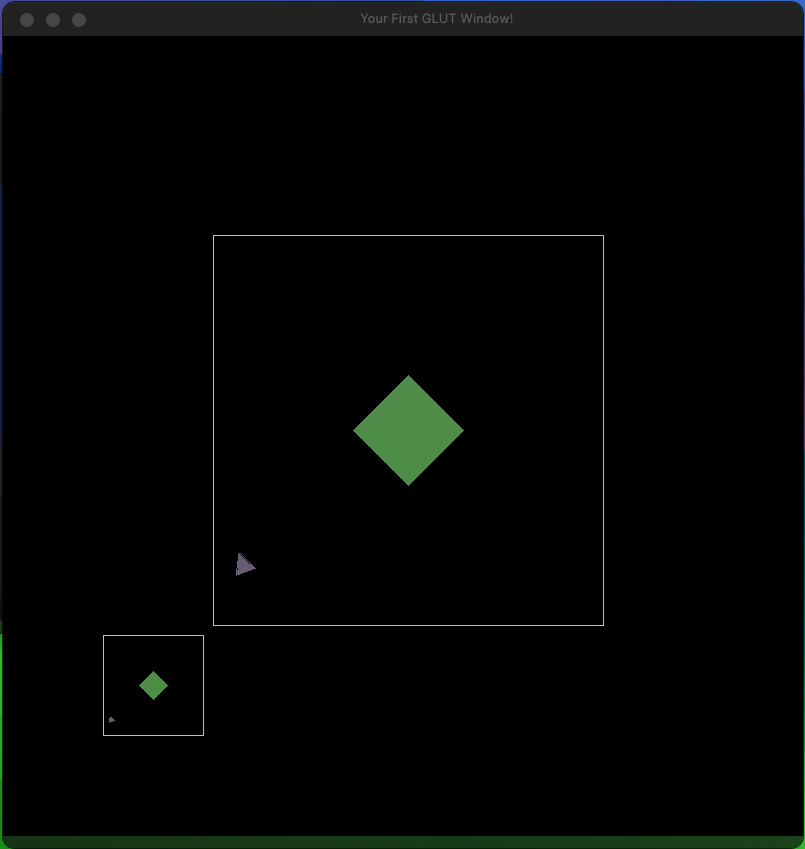
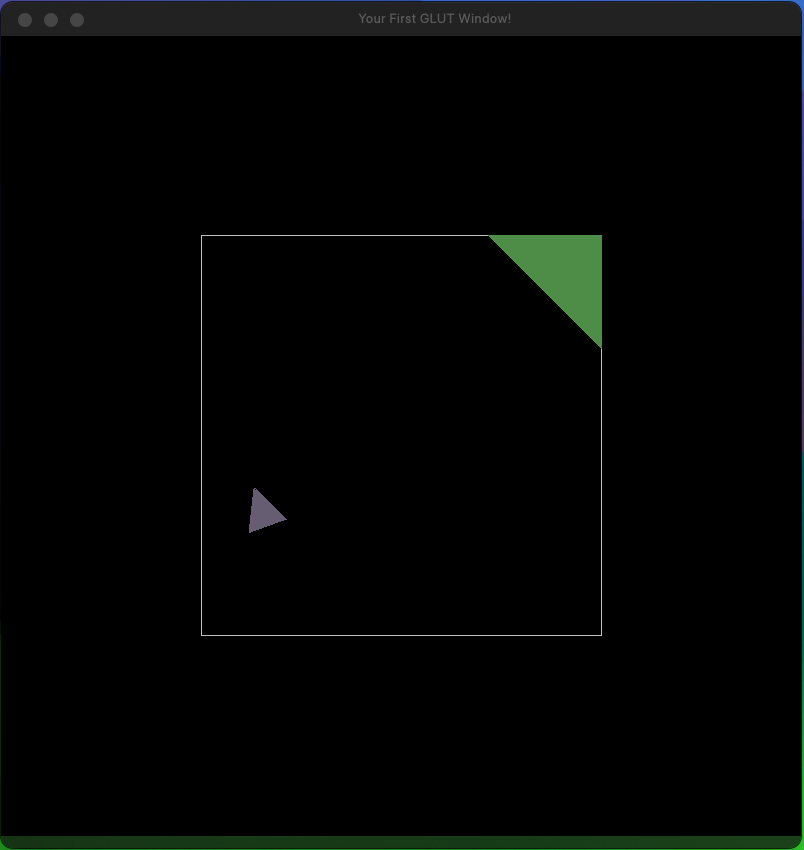
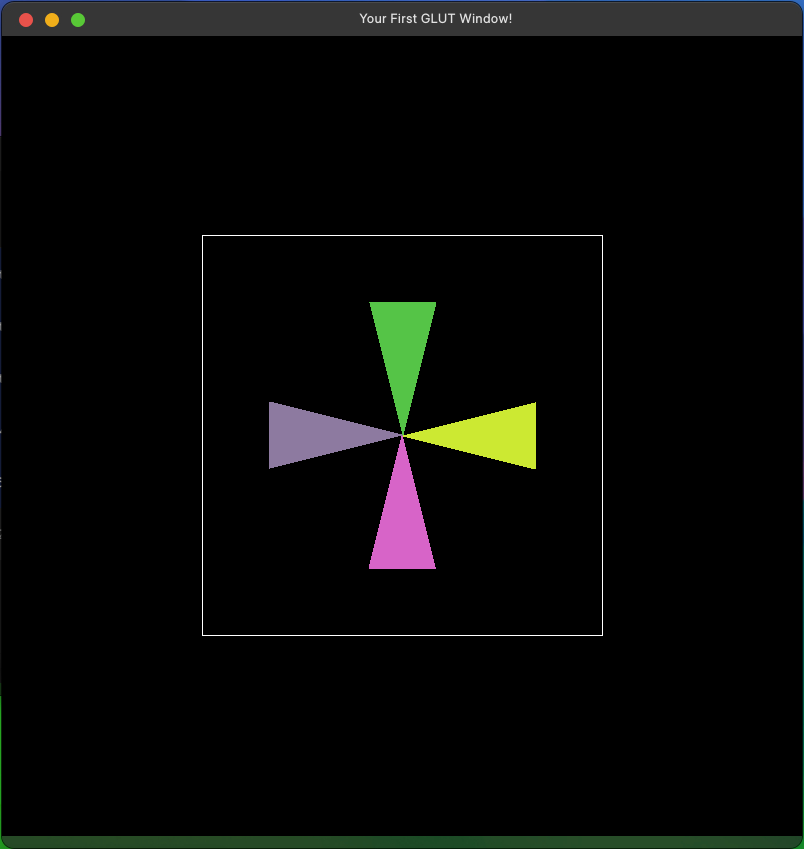
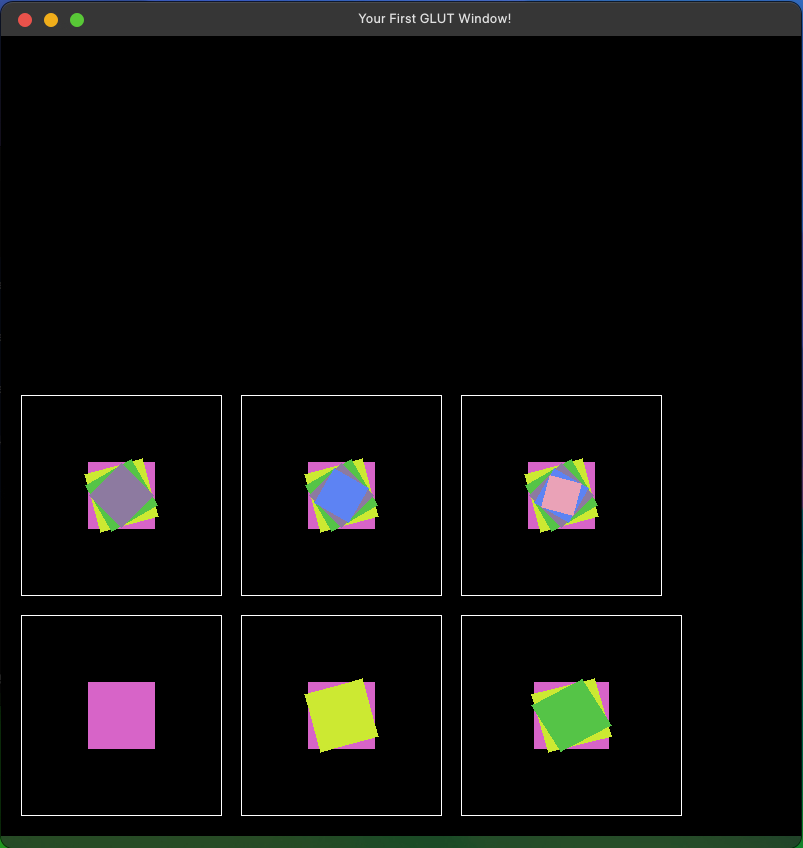
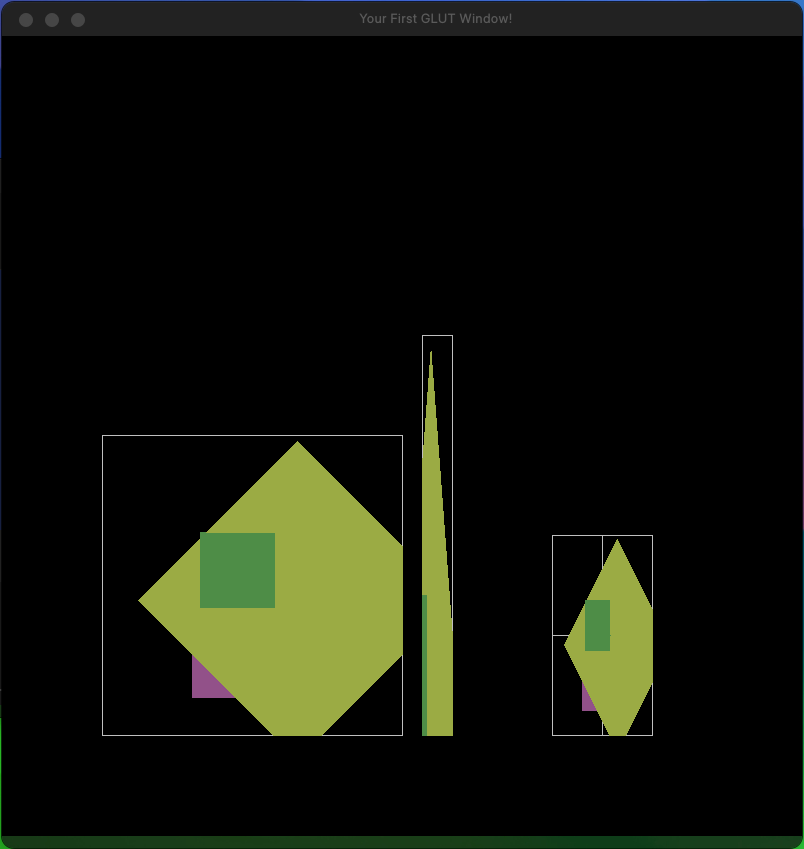
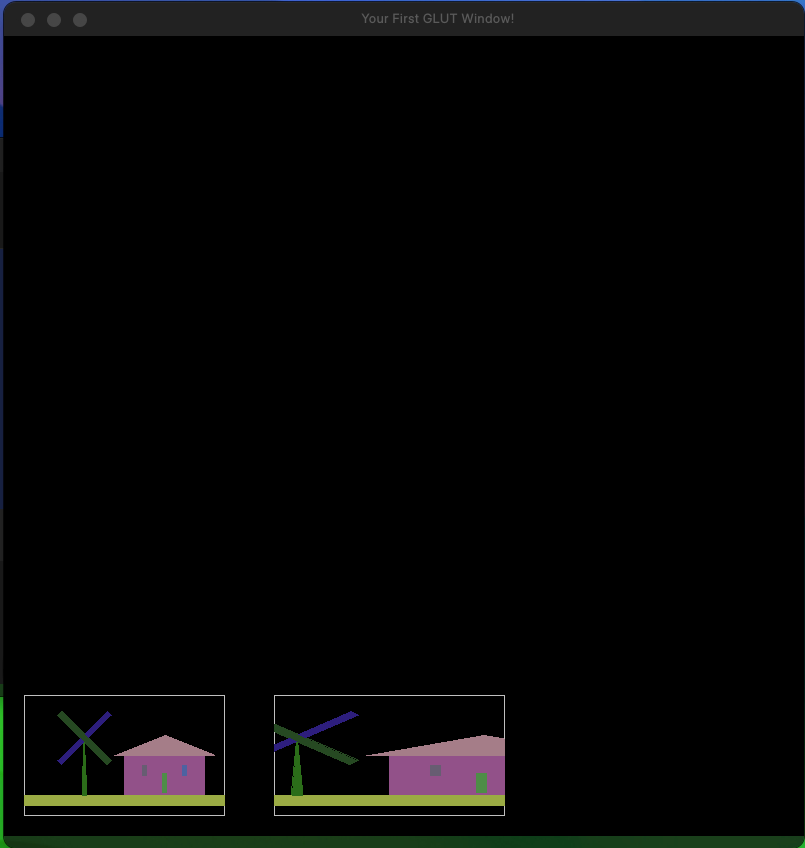
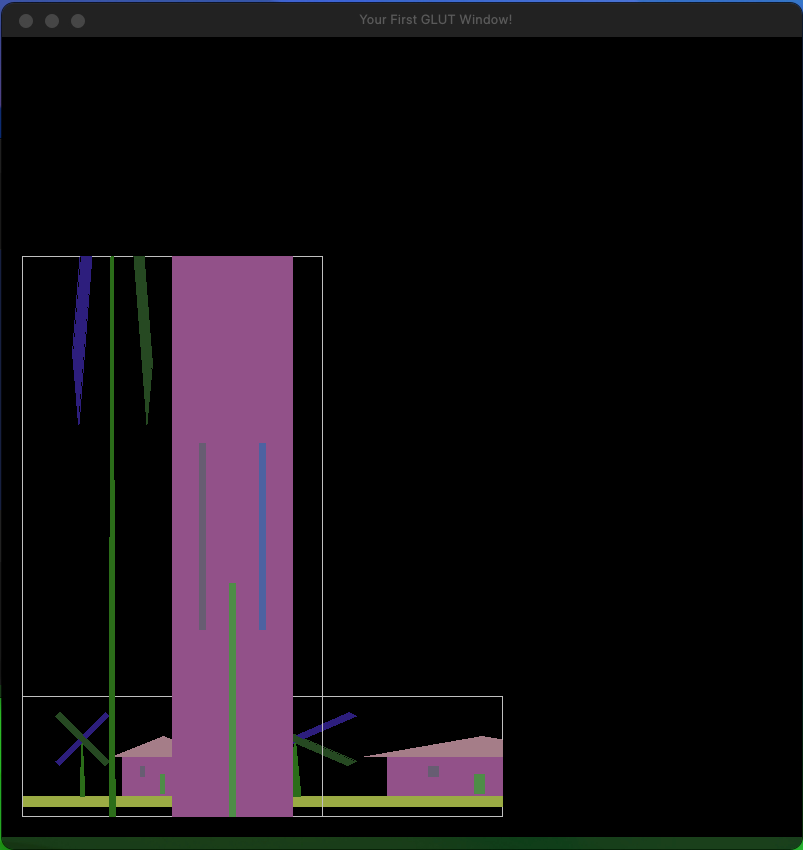
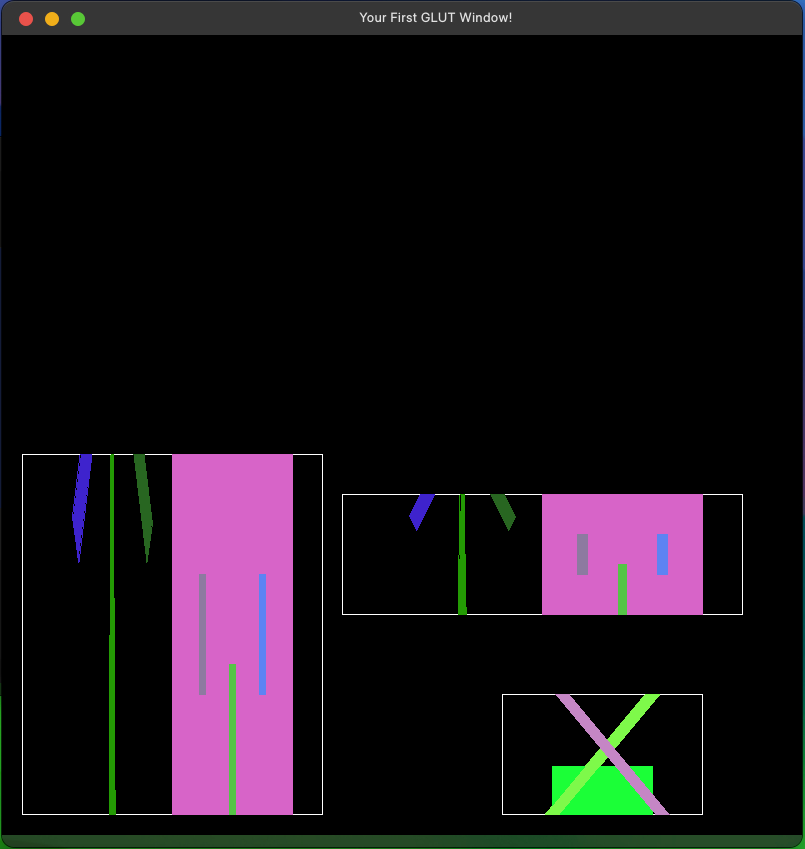
There are many test data in the forder and many input commands in each test data. I read the files and complete the following instructions. Also, each shape will automatically be assigned a random color.
🔗 See more details here.
Operating instructions
-
Comment:
The instruction is
# ......
If a#appears, skip the line. (i.e. You don’t need to execute the line which # appears.) -
Reset:
The instruction is
reset
Reset the transformation matrix. -
Translate:
The instruction is
translate x y
xmeans moving along x-axis byxunit.
ymeans moving along y-axis byyunit. -
Scale:
The instruction is
scale x y
xmeans scaling along x-axis byxunit.
ymeans scaling along y-axis byyunit. -
Rotate:
The instruction is
rotate θ
θmeans rotating along z-axis by θ degree. -
Clear data:
The instruction is
clearData
Clear the objects that you create (square and triangle). -
Clear screen:
The instruction is
clearScreen
Clear the screen. -
View:
The instruction is
view wxl wxr wyb wyt vxl vxr vyb vyt
wxl wxr wyb wytmeans the position of object before mapping.
vxl vxr vyb vytmeans the position of object after mapping.In math words
  f(wxl,wyb) = (vxl,vyb)
  f(wxr,wyt) = (vxr,vyt)
where it is a linear transformation.
The objects outside the boundary need to clipped.
Every time you executeview, the created objects must be displayed. Please draw the boundary of objects with points and lines.(Use the code in lab1) Please addsystem("pause");when you display anything. -
Square:
The instruction is
square
Create a square with its vertex(-1,-1)(1,-1)(1,1)(-1,1). -
Triangle:
The instruction is
triangle
Create a triangle with its vertex(0,1)(-1,-1)(1,-1). -
End:
The instruction is
end
Destory the window.
Results