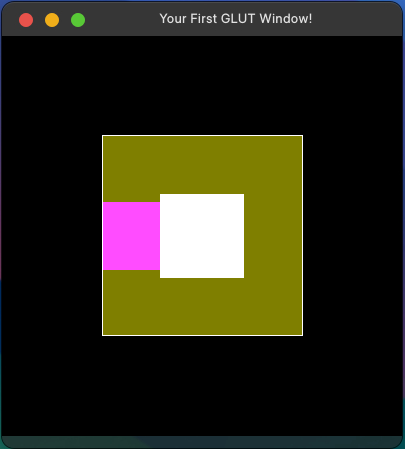
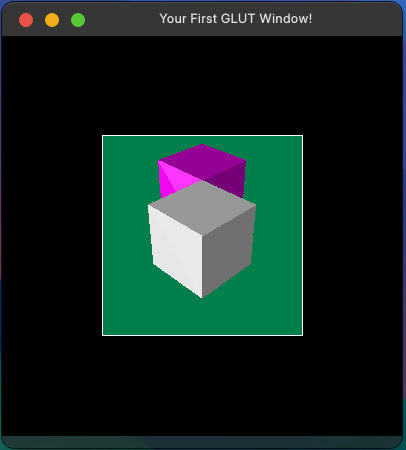
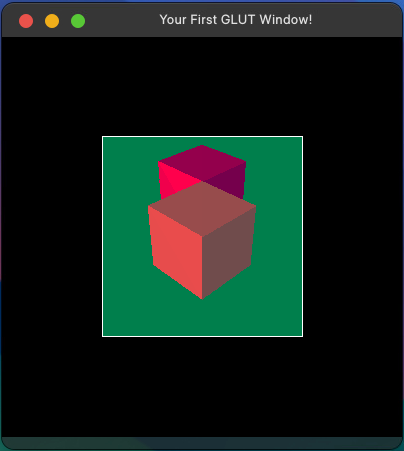
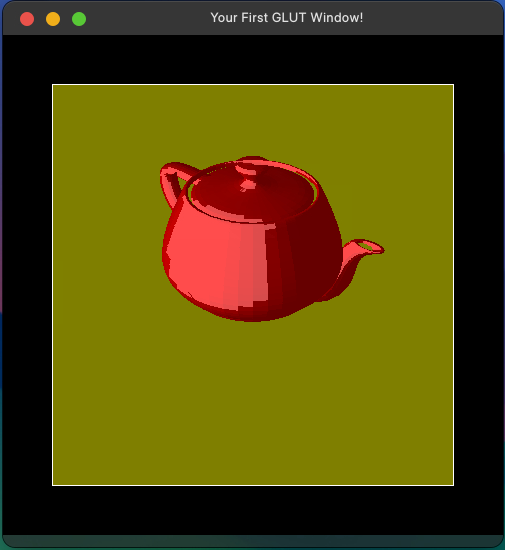
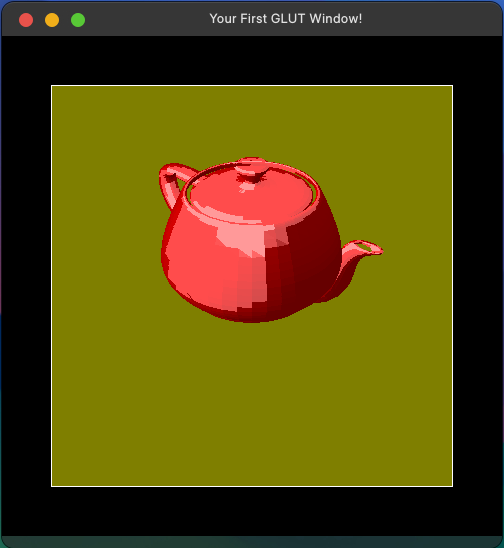
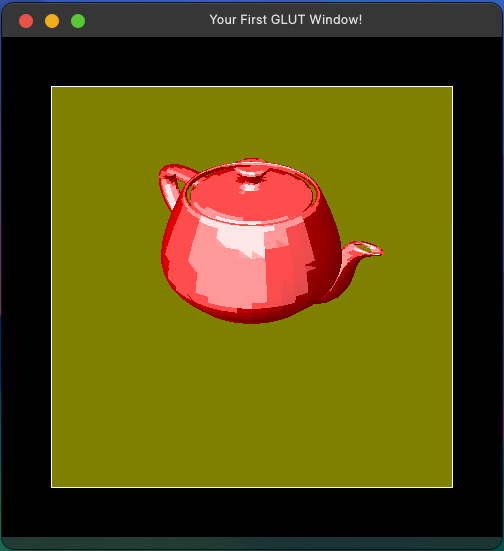
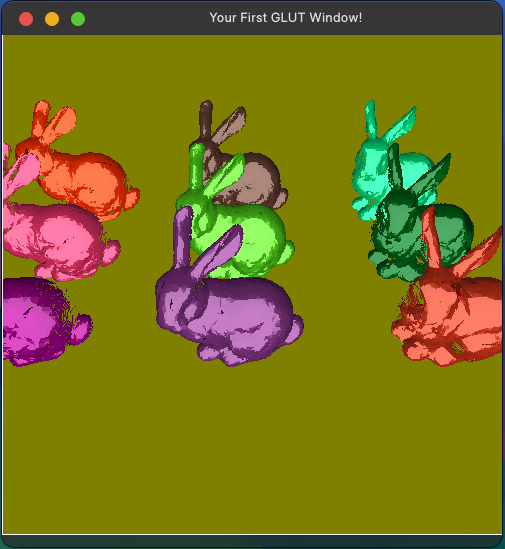
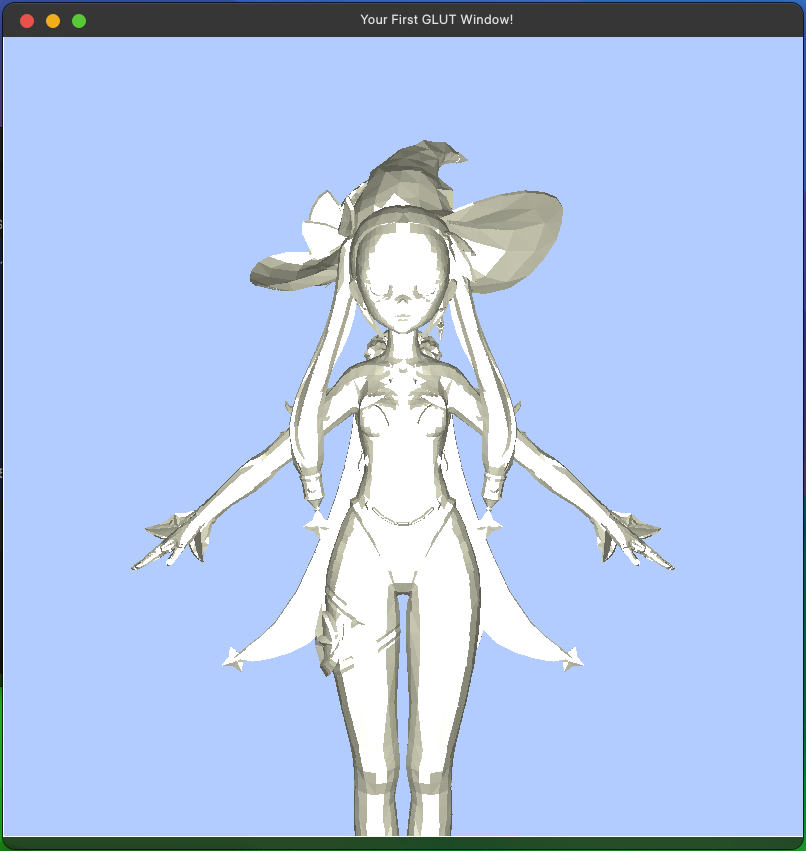
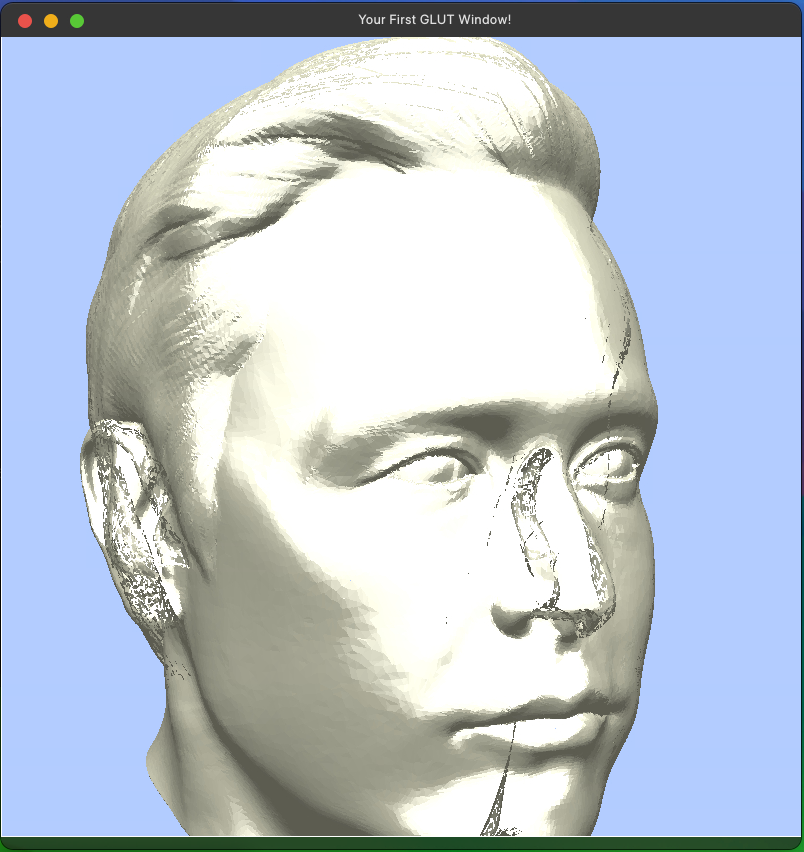
There are many test data in the forder and many input commands in each test data. I read the files and complete the following instructions. Otherwise, the program would delete the graphic that is backward from camera.
🔗 See more details here.
Operating instructions
-
Read the file:
Read file with command line
name + lab4X.in. -
Head:
The instruction is
Width Height
In the head of the files will give 2 integrals that represent the windows’ width and height respectively. -
Comment:
The instruction is
# ......
If#appears, skip the line. (i.e. You don’t need to execute the line which#appears.) -
Reset:
The instruction is
reset
Reset the transformation matrix. -
Translate:
The instruction is
translate x y z
xmeans moving along x-axis byxunit.
ymeans moving along y-axis byyunit.
zmeans moving along z-axis byzunit. -
Scale:
The instruction is
scale x y z
xmeans scaling along x-axis byxunit.
ymeans scaling along y-axis byyunit.
zmeans scaling along z-axis byzunit. -
Rotate:
The instruction is
rotate x y z
xmeans rotating along x-axis byxdegree.
ymeans rotating along y-axis byydegree.
zmeans rotating along z-axis byzdegree.
The rotating part should be implement in the order of y-axis -> z-axis -> x-axis. -
Clear data:
The instruction is
clearDataorcleardata
Clear the objects that you read from .obj file. -
Clear screen:
The instruction is
clearScreen
Clear the screen. -
Observe:
The instruction is
observe epx epy epz COIx COIy COIz Tilt Hither Yon HavSet the camera’s parameter:
epx epy epzare thex y zposition of the camera.COIx COIy COIzare the point that the camera look at.
forward = COI - epTiltis the angle that the camera tilt.Hither Yonare thenearplane position andfarplane position.Havis field of view.
By i ~ iii, I can get View matrix. By iv ~ v, I can get Projection matrix.
-
Viewport:
The instruction is
view vxl vxr vyb vyt
Since the perspective divide, all graphic will lies in[-1, 1] X [-1, 1].
-1 1 -1 1means the left, right, botton, top boundary after perspective divide.
vxl vxr vyb vytmeans the left, right, botton, top boundary of viewport after perspective divide.In math words
  f(-1, 1) = (0, Width)
  f(-1, 1) = (0, Height)
where it is a linear transformation.
The objects outside the viewport boundary need to clipped.
Need to display the graphic indisplay. -
Object:
The instruction is
object **.obj Or Og Ob Kd Ks N
**.objmeans the name of the files. Please load the document into your code and also slice square into triangles.
Or Og Obare the color of the object, using the color spaceRGB.
Kdis the parameter diffuse.
Ksis the parameter specular.
Nis gloss. -
Display:
The instruction is
display
Do theclearScreenwhen display is occured.
Useflat shadingto rendering.
Addfgetc(stdin);when display. -
Background:
The instruction is
background Br Bg Bd
Br Bg Bdare the background color. -
Ambient:
The instruction is
ambient KIr KIg KIb
KIr KIg KIbare the parameter of ambient light. -
Light
The instruction is
light index Ipr Ipg Ipb Ix Iy Iz
indexis the light of numberindex.
Ipr Ipg Ipbare the color of light.
Ix Iy Izare the position of the light.
Both use point lights. -
End:
The instruction is
end
Destory the window. -
Bonus function: (haven’t finish yet)
Use the
blinn phongto calculte the direction light.
Use theGourand Shadingto rendering.
Results